Desk setup guide

Seven small things that protect a long stretch of quiet

Focus is rarely broken by one big interruption. It is broken by a dozen small ones — a noise, a cold coffee, a phone face-up on the desk. These fix those.

7 gadgets Deep work Nothing needs an app

Heads up: the product links on this page are affiliate links. If you buy through one, Ratrendyshop earns a small commission — at no extra cost to you. We only list things we would put on our own desk.

Concentration does not usually collapse. It leaks. You look up because of a noise in the hallway, you get up because the coffee went cold, you glance at the phone because it lit up — and each time, the way back in takes longer than the interruption did.

None of the items below make you focus. They remove specific, repeating reasons to stop.

01

Give the room a floor of sound

Silence is not what protects concentration — consistency is. A completely quiet room makes every footstep, door and voice from elsewhere in the house a distinct event.

A steady low sound raises the floor so those events stop poking through. Which is why people who cannot work in silence often cannot work in music either: music has structure, and structure demands attention.

Why not headphones: Headphones work, and they also make you unavailable in a way that has social cost at home. A machine solves the same problem for the room.
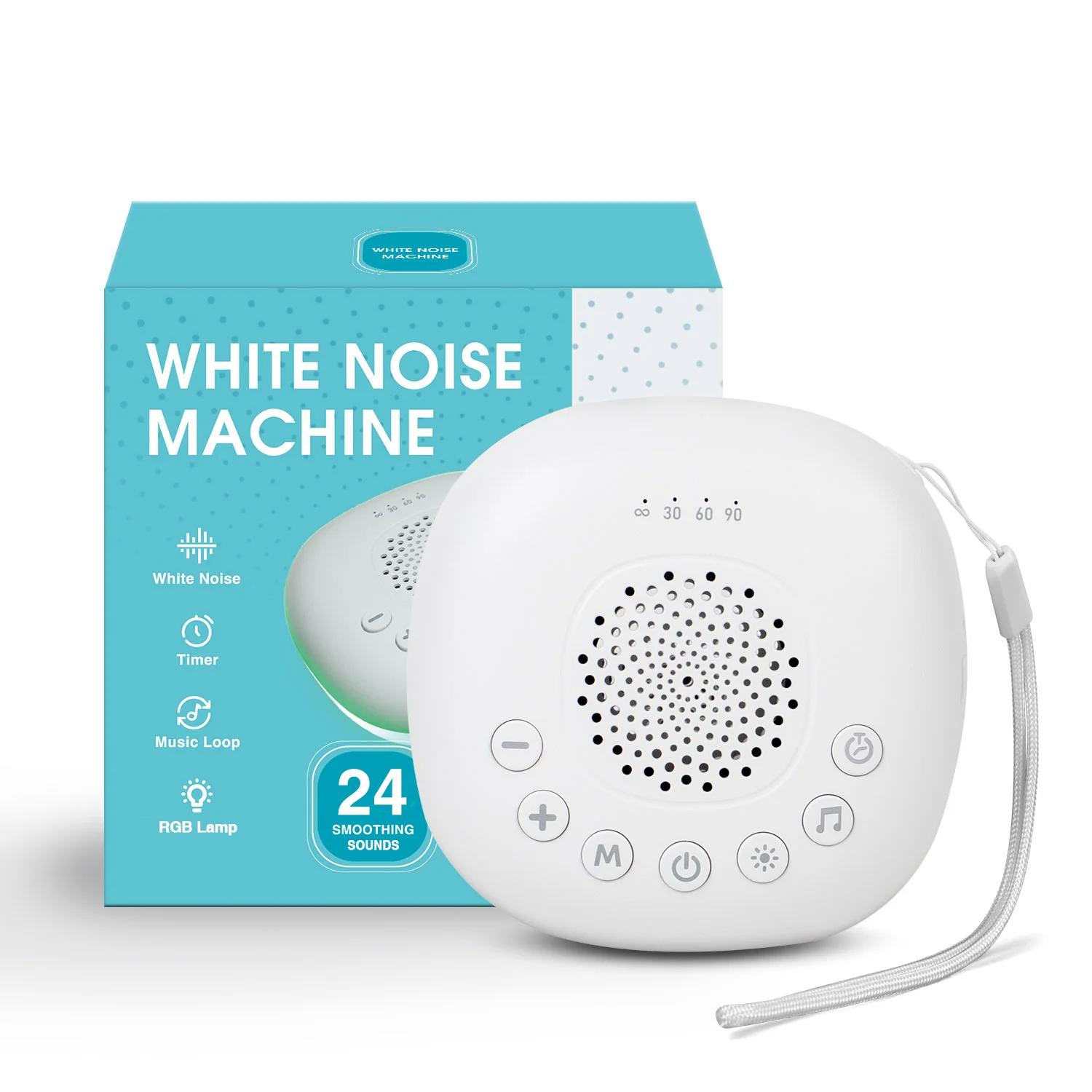
A small white noise machine on a desk beside a laptop

The sound trick that protects deep work

Give the room a floor of sound.

Check current price
02

Stop getting up for the coffee

This sounds trivial until you count it. Coffee goes cold in about twenty minutes, and reheating it means standing up, walking to the kitchen, waiting, and coming back to a screen you now have to re-enter.

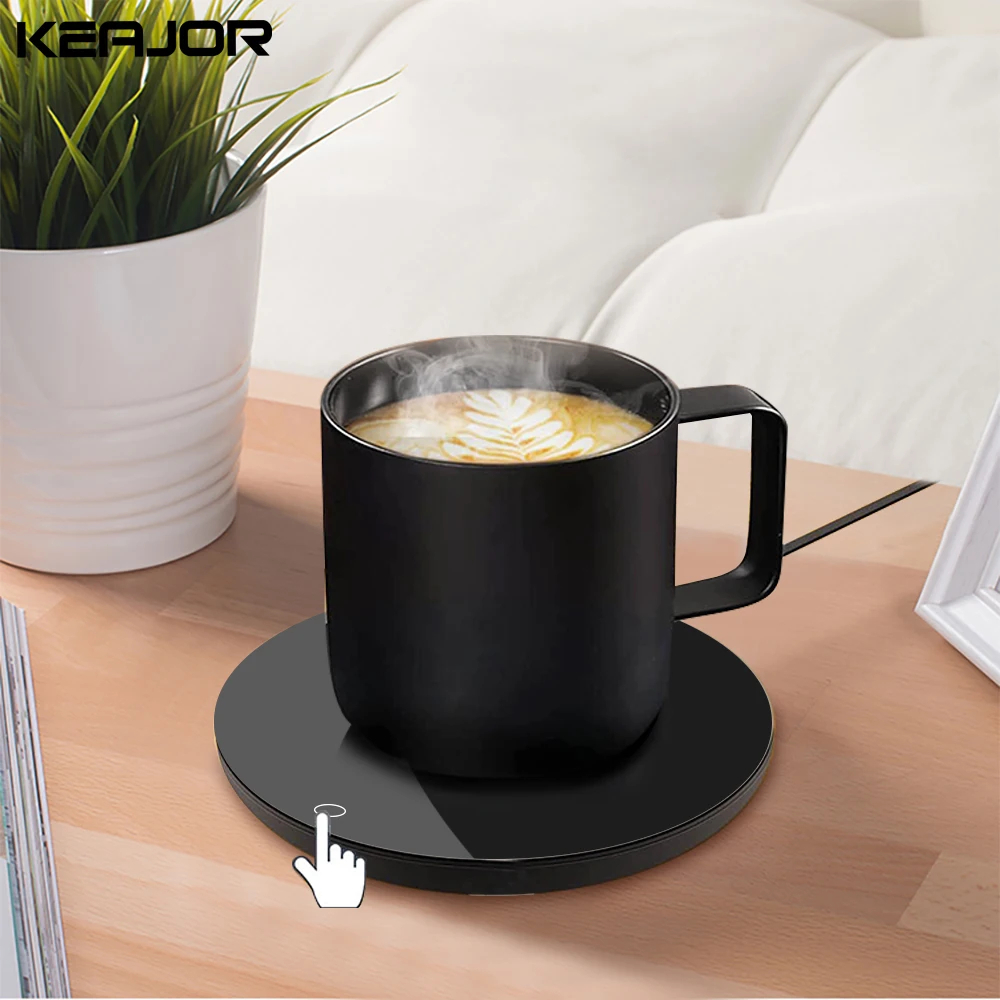
A warmer plate holds the cup at drinking temperature for the length of a working block. The trip does not happen.

The real cost of a small interruption: It is not the four minutes in the kitchen. It is the ten minutes afterwards spent finding your place again.
A smart mug warmer keeping a coffee cup warm on a desk

WarmSip Smart Mug Warmer

Holds the cup warm for a full working block.

Check current price
03

Swap keyboard clatter for a softer keystroke

A loud keyboard is fine when you are typing quickly and know what you are writing. It is much less fine when you are thinking, because the noise fills the pauses you are trying to think in.

A gasket-mounted board cushions every press, so each keystroke lands softer and deeper instead of sharp and clattery. If you share a room with anyone, a gentler-sounding keyboard is one of the most appreciated upgrades on this list.

Worth knowing before you buy: How a keyboard sounds comes down to its mount and switches. A gasket structure typically types softer and deeper than a standard board — but if quiet is your priority, check the switch type before you buy.
AULA F75 mechanical keyboard on a desk

AULA F75 Mechanical Keyboard

Gasket structure for a soft, cushioned keystroke. Tri-mode wireless.

Check current price
04

Remove the reason your eyes get tired first

Deep work sessions end for physical reasons more often than mental ones, and eye fatigue is usually first. A bright screen in a dim room is the fastest way to get there.

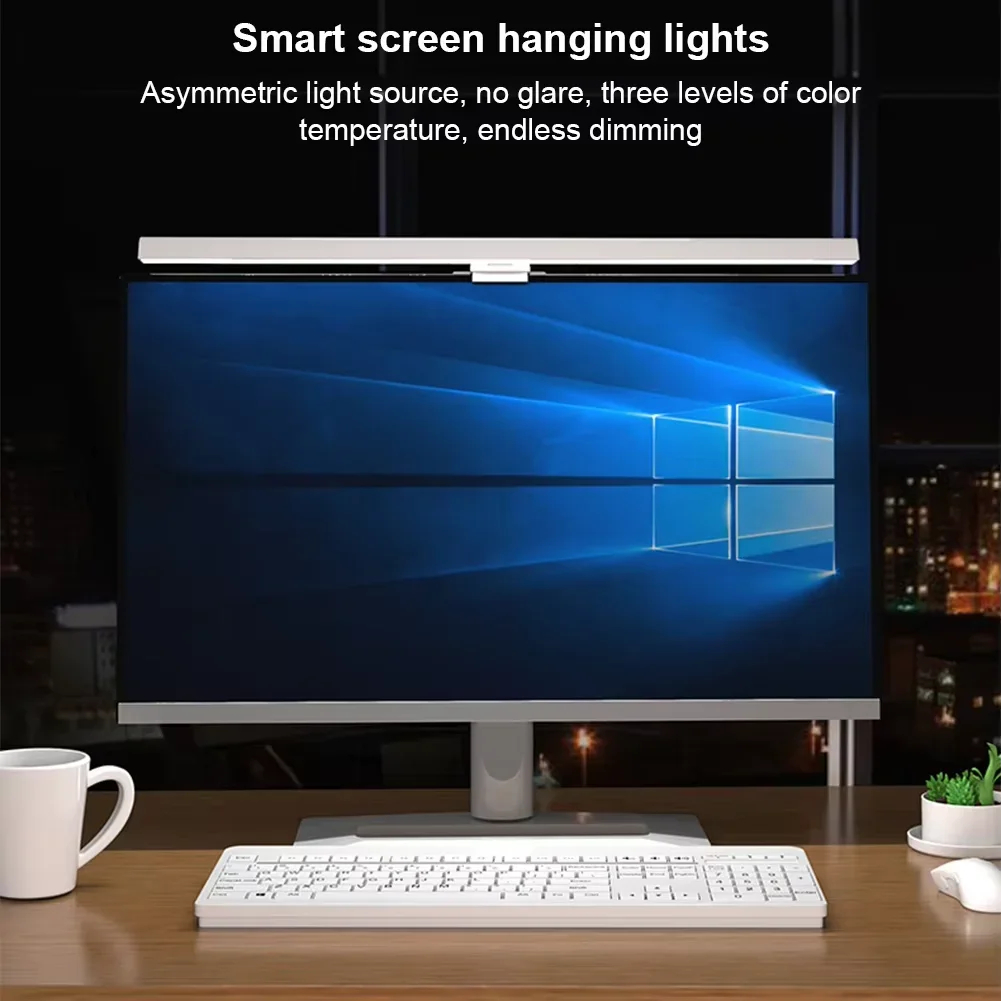
A monitor light bar lifts the brightness of everything around the screen so your eyes are not switching between two extremes every time you look down at the keyboard.

The measurable version: If you find yourself blinking hard or leaning back around the 45-minute mark, this is the fix — not more coffee.
A monitor light bar illuminating a desk in a dim room

The desk gadget that saves your eyes at hour three

Balances screen brightness against the room.

Check current price
05

Put the phone somewhere it cannot flash at you

A phone lying face-up on the desk interrupts you every time it lights, and face-down it still buzzes. Neither is a system.

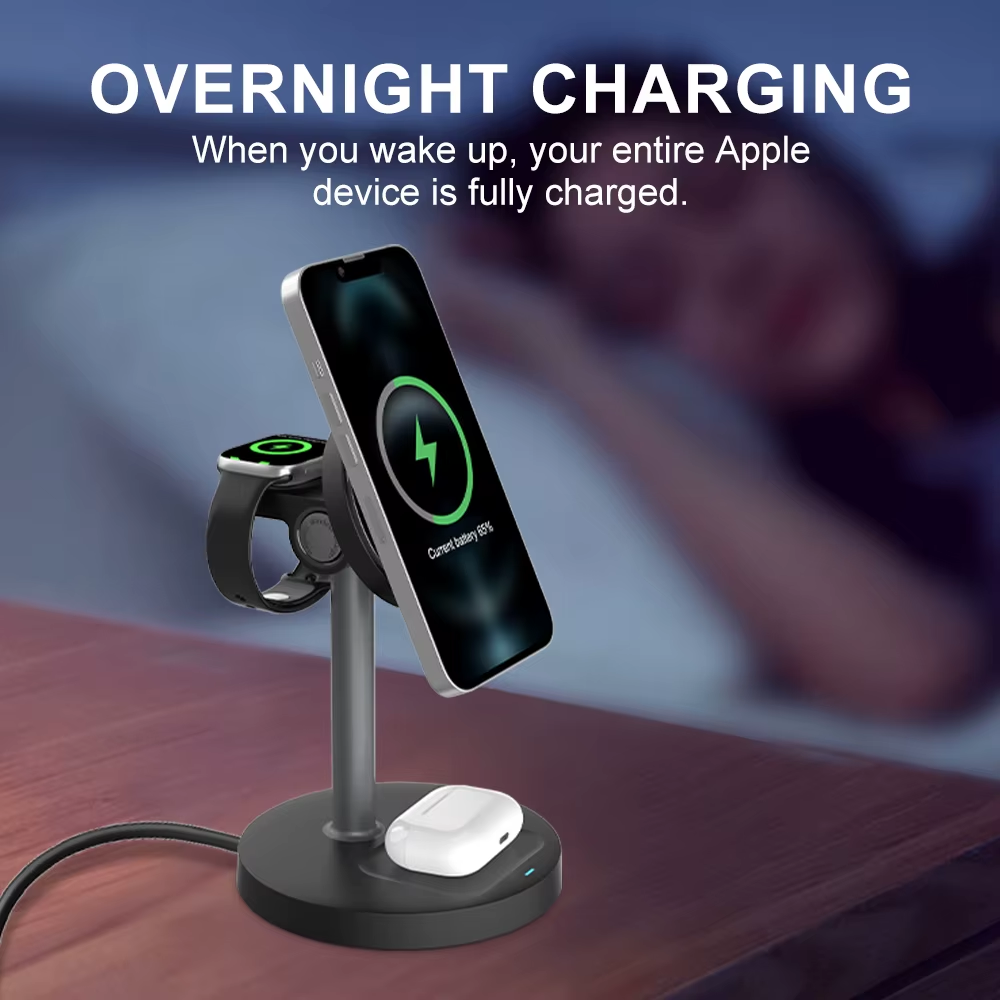
A charging stand gives it a fixed place, upright, slightly out of the working line of sight. You can still see it when you choose to look — you just stop seeing it when you do not.

Not about willpower: The point is not hiding the phone. It is making checking it a decision rather than a reflex.
A 3-in-1 wireless charging stand holding a phone upright beside a laptop

Stop checking your phone without hiding it

Put the phone somewhere it cannot flash at you.

Check current price
06

Remove the reason your hands quit before your head does

Long sessions end for physical reasons more often than mental ones, and after the eyes, the wrists are next. The ache builds slowly enough that you rarely blame it — you just find yourself getting up.

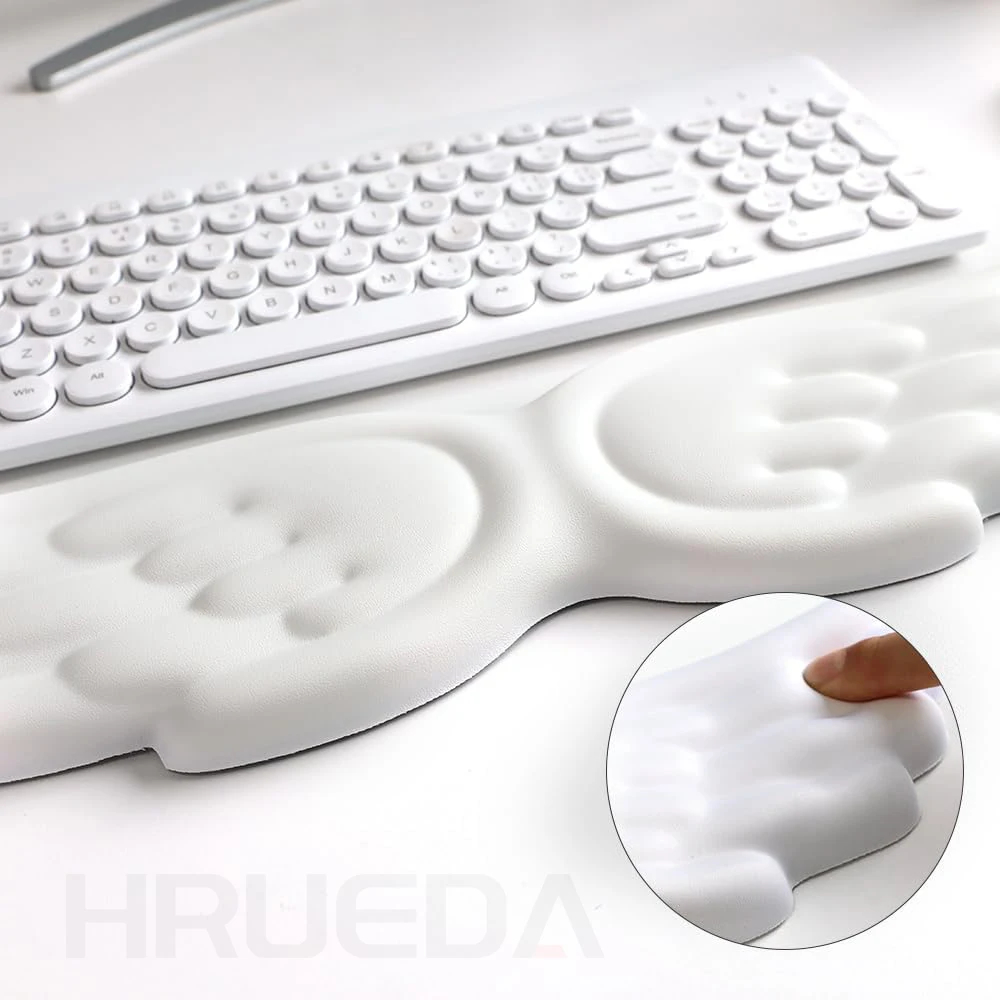
A pair of memory foam rests lifts the wrists to the height of the keyboard instead of letting them bend against the desk edge. It is the cheapest thing on this list and the one that shows up in hour three.

Get the set, not one: the mouse hand takes as much of this as the typing hand, and a single pad under the keyboard leaves the other wrist doing exactly what caused the problem.
A memory foam wrist rest set placed in front of a keyboard and mouse

Why your hands give out before your focus does

Remove the reason your hands quit before your head does.

Check current price
07

Stop shifting in your seat before the hour is out

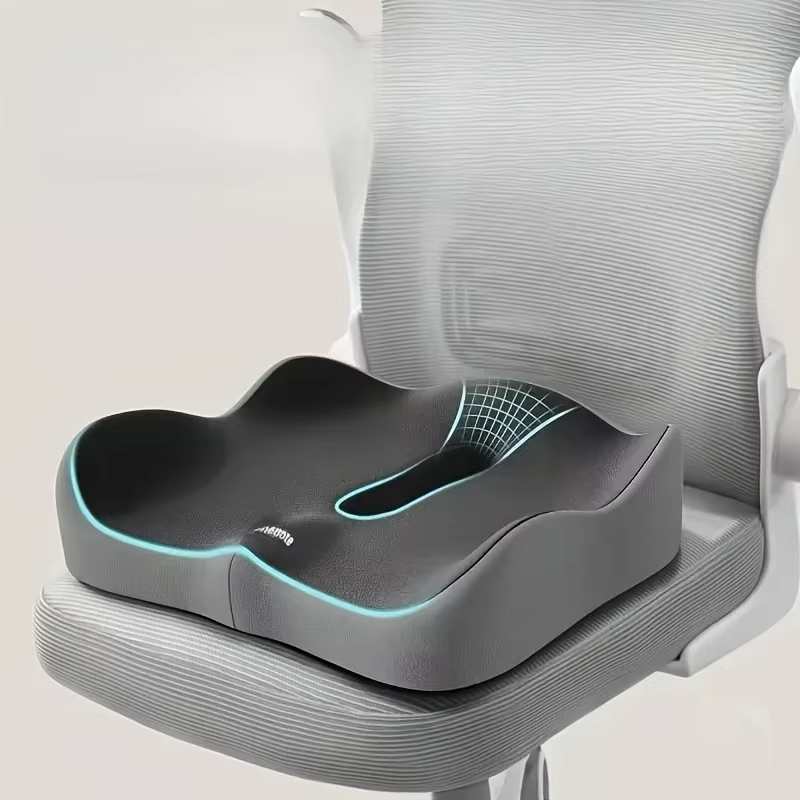
A flat, hard seat concentrates your weight on two small points at the base of the spine. Within half an hour that turns into the fidget — shifting from cheek to cheek, crossing and uncrossing your legs — and every shift is a small tax on whatever you were thinking about.

A contoured memory-foam cushion spreads that weight across the hips and thighs instead, with a cutout channel that takes the pressure off the tailbone specifically. It sits on top of whatever chair you already have, so there is nothing new to remember to use.

Worth knowing before you buy: Fit matters more than firmness — the cushion should match your chair's width so it does not slide when you lean back.
A memory foam seat cushion with ergonomic contouring on an office chair

Memory Foam Seat Cushion – 3D Ergonomic Support

Spreads pressure off the tailbone so you stop shifting mid-task.

Check current price

The order that actually matters

  1. Sound first. It is the interruption you have least control over and the one that costs the most to recover from.
  2. Light second. It decides how long the session can physically last.
  3. Everything else is a preference. The keyboard, the warmer and the stand are real, but they are refinements to a session the first two made possible.