Desk setup guide

The ten things that earn their place on a minimalist desk

Minimalism is a subtraction problem. This is the list of what survives it - and, just as usefully, what does not.

10 objects Most under $20 Renter-friendly

Heads up: the product links on this page are affiliate links. If you buy through one, Ratrendyshop earns a small commission — at no extra cost to you. We only list things we would put on our own desk.

Most minimalist desk advice is a shopping list dressed up as a philosophy. It tells you what to buy and never mentions that the desk was already too full.

So read this one backwards. Every object below has to justify itself against a simple test: does it hold something that would otherwise be loose on the desk, or does it change how the surface reads? Anything that fails both goes in a drawer.

01

Start with the surface, not the objects

A minimalist desk is not a desk with fewer things on it. It is a desk where the surface itself reads as deliberate — and until that is true, removing objects just makes it look empty rather than considered.

A large mat does that work. It draws an edge around the workspace, so everything you place afterwards sits inside something instead of floating across something.

Buy this one first: Even if you buy nothing else on this list, the mat changes how the desk reads more than removing three objects would.
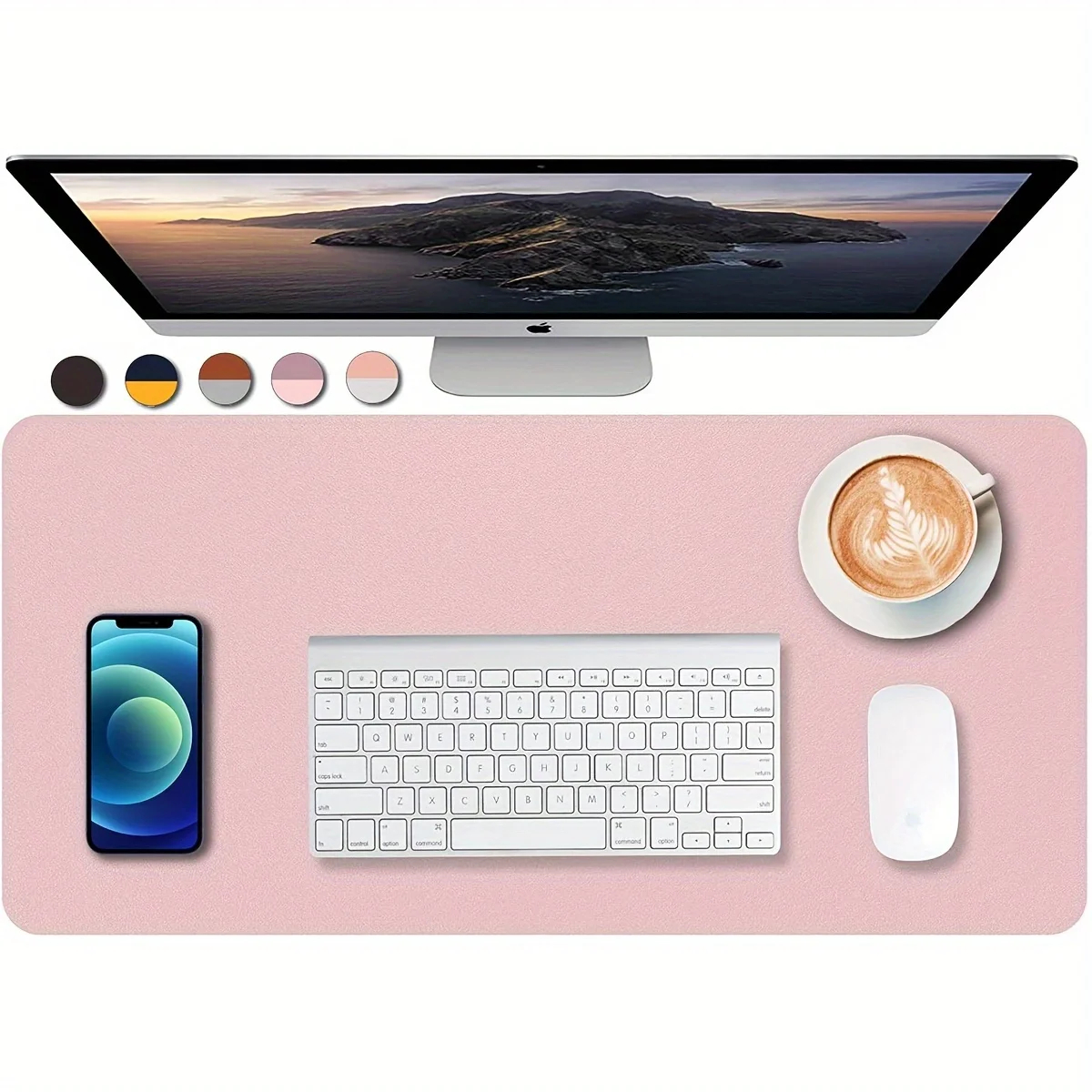
A large leather and felt desk mat covering most of a wooden desk

Minimalist desk setup: start with the surface

Start with the surface, not the objects.

Check current price
02

Give writing tools one address

Pens migrate. They end up in a mug, in a drawer, behind the monitor and loose across the desk — which means four places to check every time you need one, and four places that look untidy when you do not.

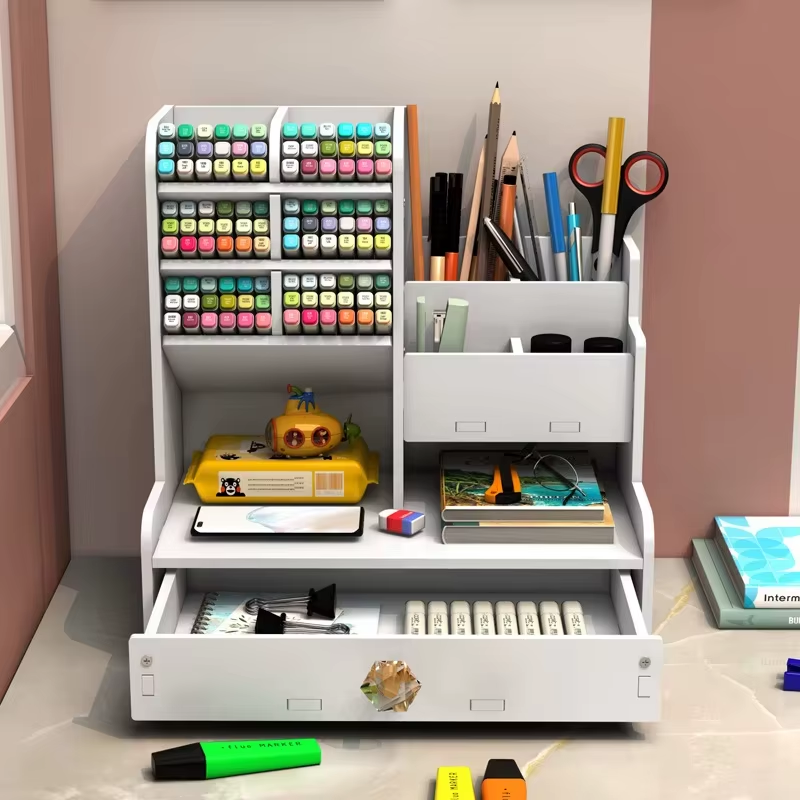
A single wooden holder is the least interesting object here and the one that changes daily behaviour most. Everything that writes lives in it. Nothing that does not write goes in.

The test: If you cannot say what each slot is for, you have bought storage rather than solved a problem. One holder, one category.
A wooden pen and pencil holder with pens standing upright on a desk

One home for every pen you own

Give writing tools one address.

Check current price
03

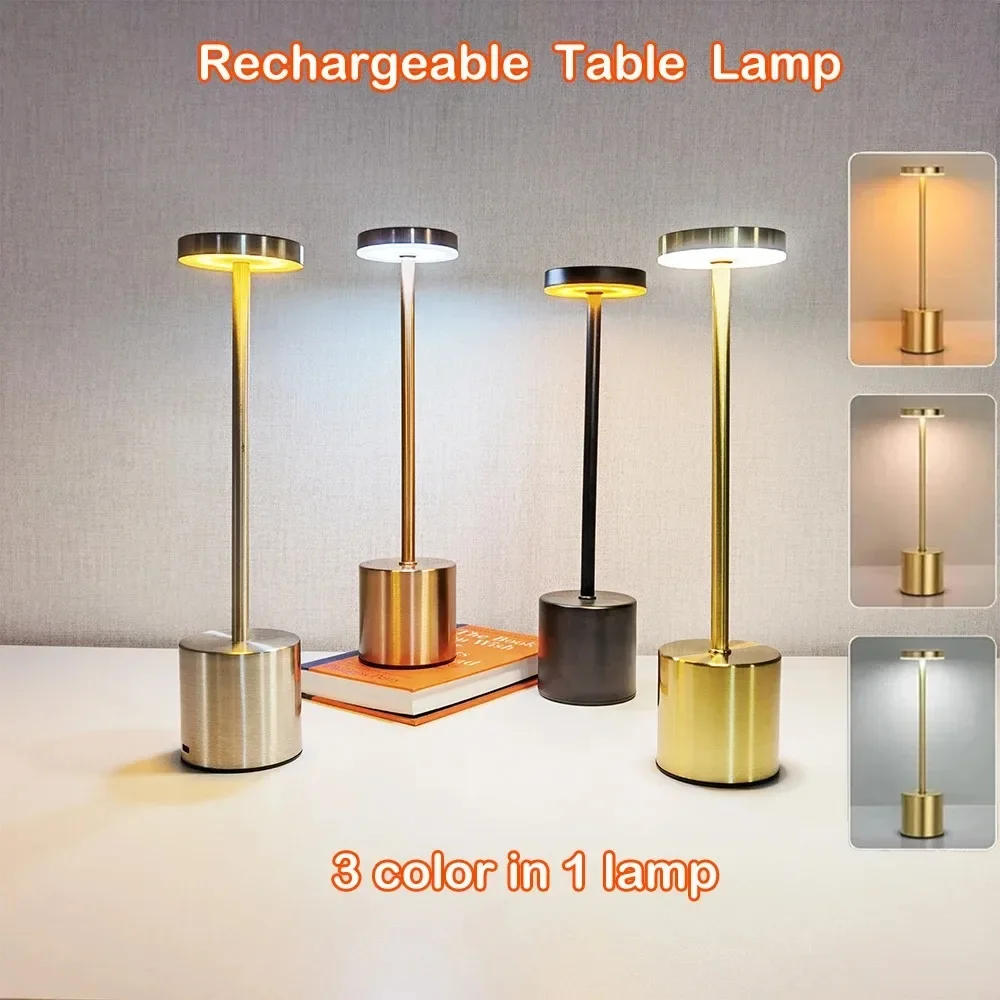
Replace the ceiling light with a small one

The single biggest thing separating a desk that looks calm from one that looks like a workstation is where the light comes from. One harsh bulb overhead flattens everything and throws your own shadow onto the keyboard.

A small cordless lamp at the corner of the desk does the opposite: a pool of warm light on the working area, and the rest of the room allowed to fall away.

Why cordless matters here: A plug-in lamp adds a cable to a desk you are trying to simplify. Cordless keeps the surface clean and lets you move it when the desk moves.
A small cordless LED touch lamp casting warm light on a desk

One small lamp beats one big bulb

Replace the ceiling light with a small one.

Check current price
04

Deal with the two cables you cannot remove

However minimal the desk gets, the phone still charges and the laptop still plugs in. Those two cables are permanent, so the goal is not removing them — it is stopping them from moving.

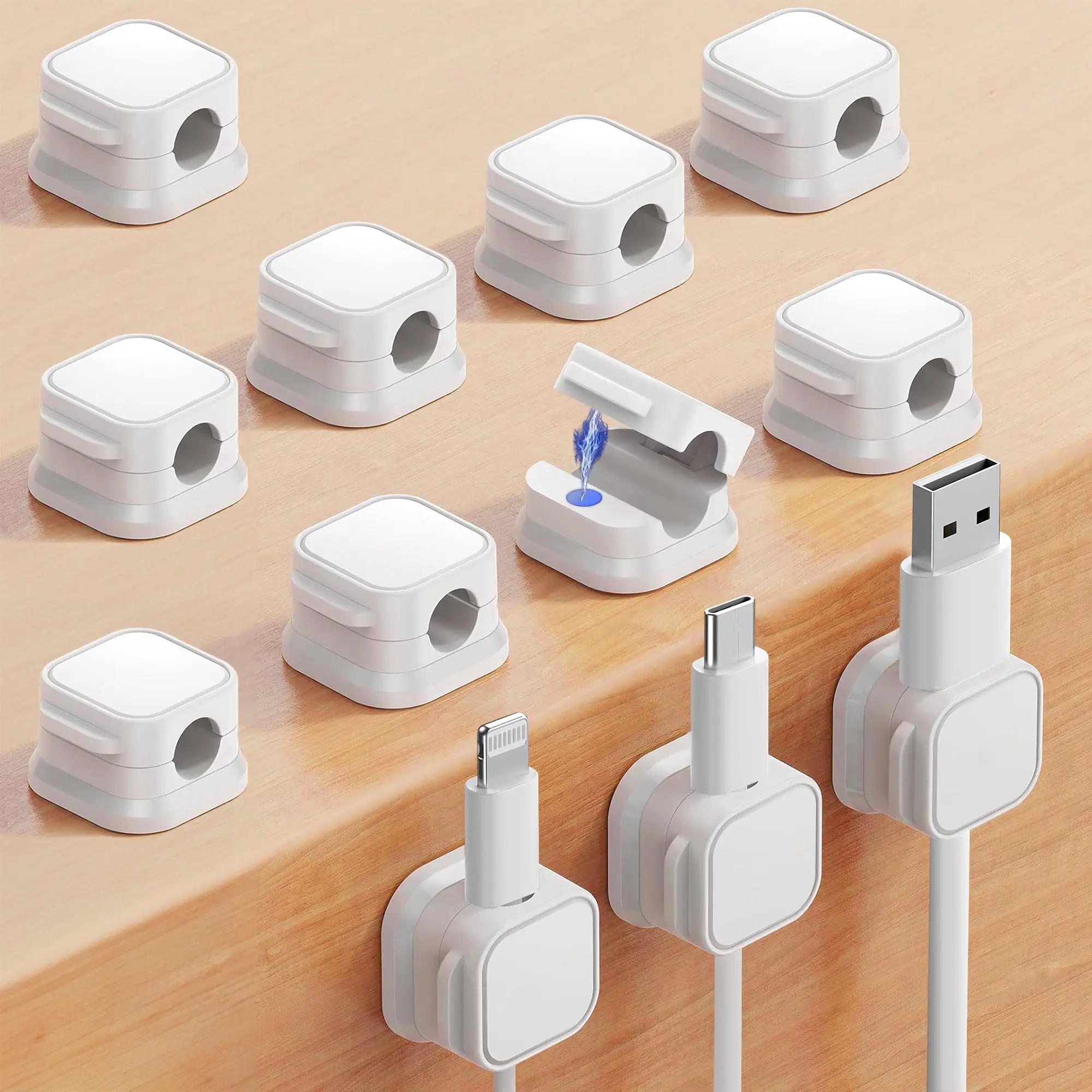
Two magnetic clips at the desk edge hold the cable ends in place when they are unplugged. The cables stop sliding to the floor, and the desk stops needing to be tidied every evening.

Where minimalism usually fails: People clear the desk beautifully and then leave two loose cables on it. Those two cables undo the whole effect.
White magnetic cable clips holding charging cables at the edge of a desk

The 2 cables a minimalist desk can't avoid

Deal with the two cables you cannot remove.

Check current price
05

Lift the laptop off the surface

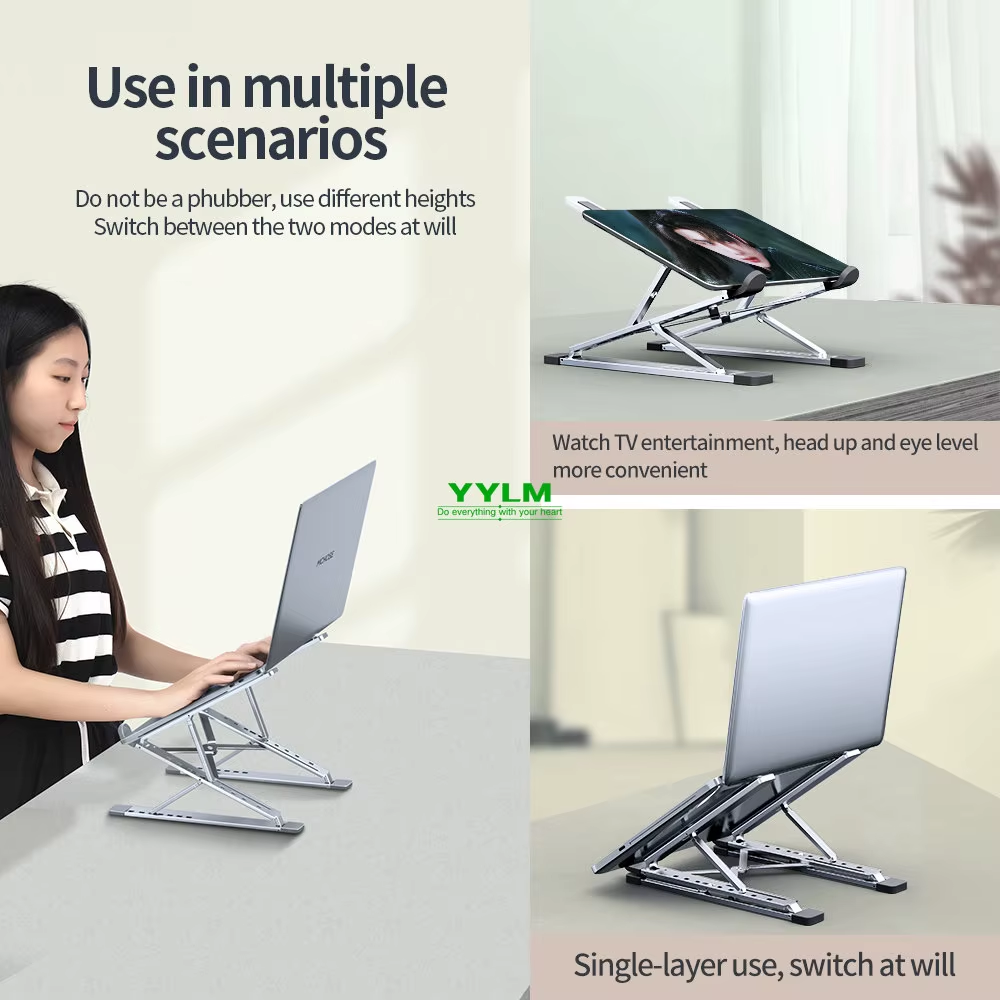
A raised laptop takes up less visual space than a flat one, because the desk continues underneath it instead of ending at it. It also brings the screen closer to eye level, which is the cheapest thing you can do for your neck.

That is the surface finished. Everything after it — the second monitor, the arm, the drawer unit — is a different kind of desk. Worth building, but not this one.

Where the first list ends: Five objects is the point at which a desk still reads as calm. The sixth is where most minimalist setups quietly stop being minimal — which is exactly the test everything below has to pass.
An aluminium laptop stand holding a laptop above a clear desk surface

The last thing a minimalist desk needs

Lift the laptop and stop there.

Check current price

Everything above is subtraction: five objects that leave the desk holding less than it did before. The next five are a different kind of thing, and worth reading with more suspicion.

Each one replaces something you almost certainly already own — a lamp, a keyboard, a mouse, a fistful of chargers. None of them is an addition. If you buy one without removing the thing it replaces, you have stopped reading this guide and started shopping.

06

Move the light onto the monitor

If you work at a monitor rather than a laptop, the lamp in step three stops being the best answer. A lamp lights the desk from the side, which means it needs a corner of the desk — and the corner it needs is one of the few you had managed to keep clear.

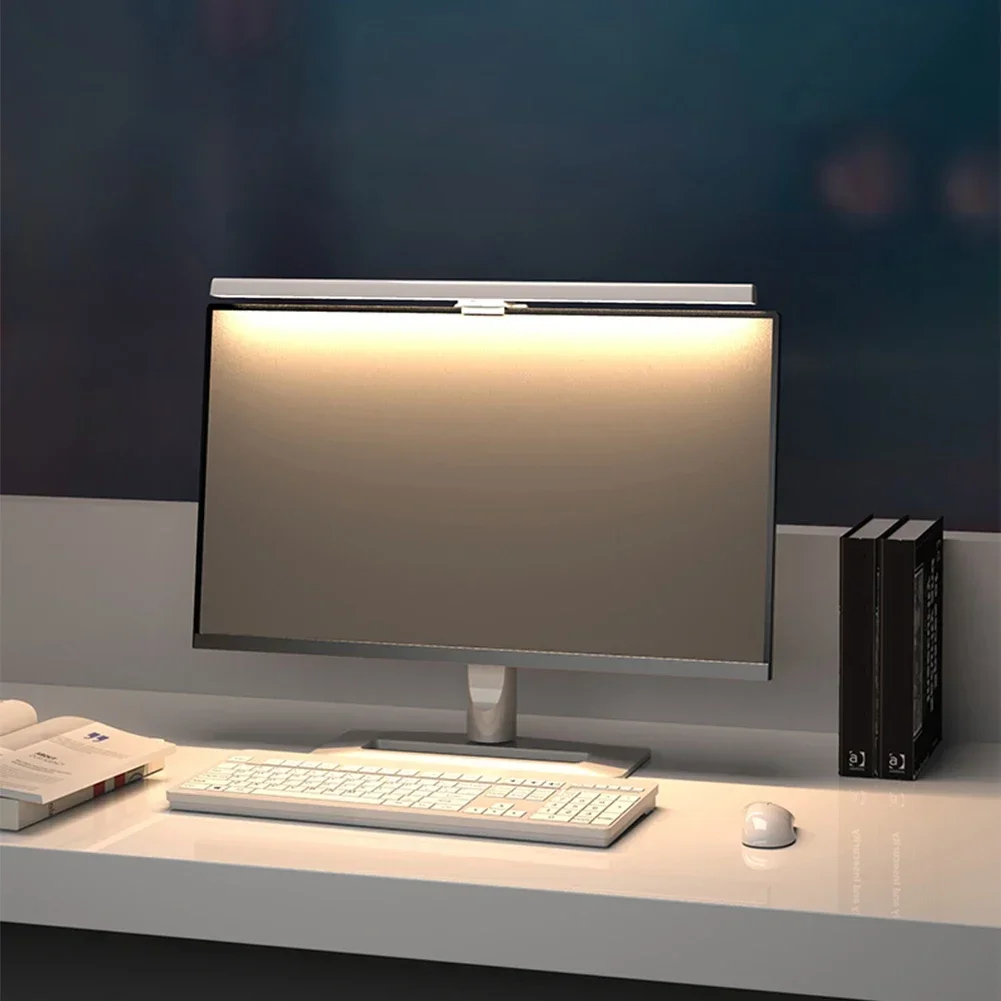
A bar clamped to the top of the monitor lights the desk and not the screen. The light is thrown forward onto the keyboard and the paper while the panel itself stays unlit, so nothing reflects back at you, and the surface underneath stays empty.

Lamp or bar — not both: These two solve the same problem twice. Laptop-only desk: keep the lamp. Monitor on the desk: the bar wins, and the lamp moves to another room.
A slim LED light bar clamped to the top of a monitor, lighting the desk below

LumaBar Monitor Light Bar

Clamps to the screen. Takes no desk space at all.

Check current price
07

Take the keyboard's cable out of the picture

A full-size keyboard carries a number pad most people touch a handful of times a month, and that pad pushes the mouse several centimetres further right than your shoulder wants it. A 75% layout keeps the arrows and the function row and drops only the part you were not using.

Going wireless also removes one of the two cables step four was busy managing. One connection less to route, and the board lifts off the mat entirely when the desk has to be something other than a desk.

Why 75% and not 60%: A 60% board drops the arrow keys and the function row too, and you spend the next month learning key combinations to get them back. 75% is the smallest layout that costs you nothing.
AULA F75 compact 75 percent mechanical keyboard with no number pad on a desk

AULA F75 Mechanical Keyboard

75% layout, tri-mode wireless. No number pad, no cable.

Check current price
08

Swap the mouse rather than add to it

A flat mouse asks your forearm to stay rotated for as long as you are at the desk. It is a small twist, held for hours, and it is the reason a wrist that felt fine at nine feels tender by four.

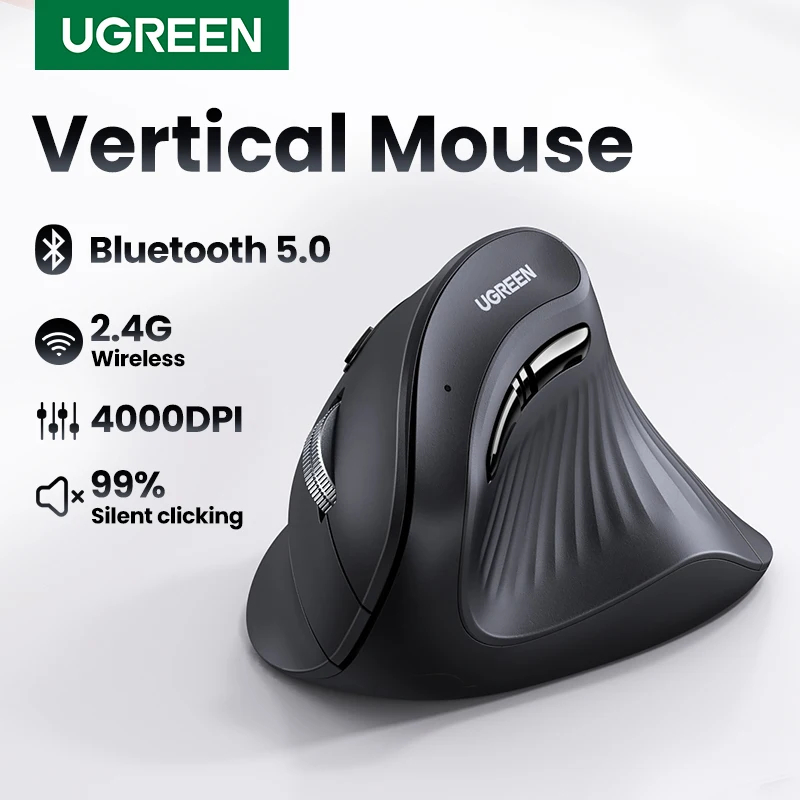
An upright shape puts the hand where it sits when you shake someone’s hand, with no rotation to hold. On the desk it occupies the same patch of mat as the mouse it replaces, which is the only reason it belongs on a list about subtraction.

Expect a week of feeling wrong: The grip is unfamiliar and your accuracy will dip for the first few days. That passes. If it has not passed after two weeks, the shape is wrong for your hand size rather than wrong for you.
An upright vertical mouse held in a natural handshake grip

UGREEN Vertical Mouse

Handshake grip. Same footprint as the mouse it replaces.

Check current price
09

Collapse four cables into one

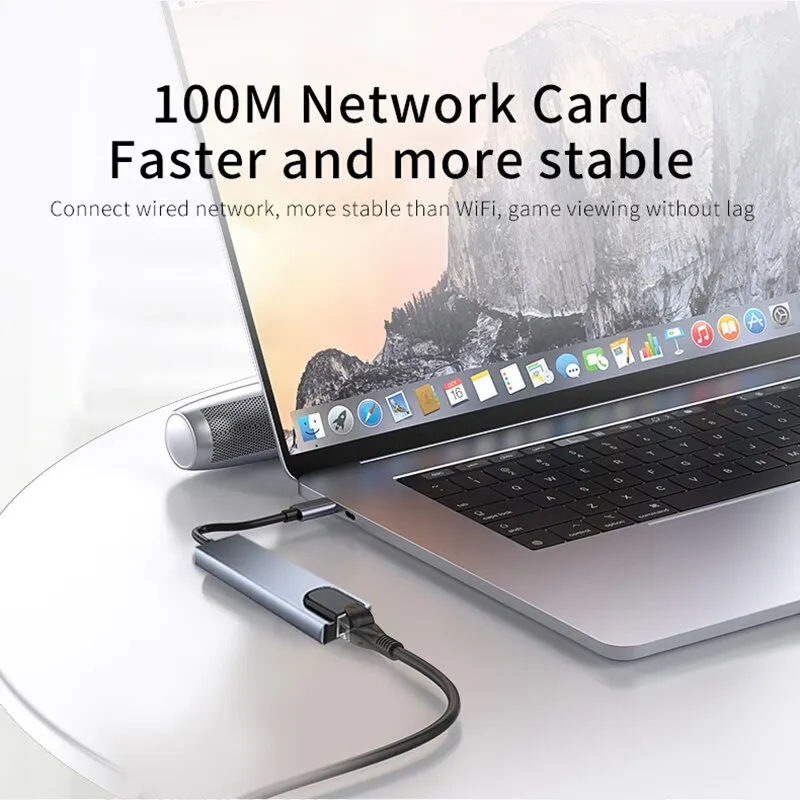
Step four dealt with the cables you could not remove. This one reduces how many of them there are. A hub sits behind the laptop and everything plugs into it — the drive, the display, the card reader, the charger — while a single cable runs forward to the machine.

The daily difference is leaving the desk. Undocking becomes pulling one connector instead of four, which means you actually do it, which means the desk is clear more often than not.

Check what it actually carries: Ports are not equal. If you drive an external display, confirm the resolution and refresh rate the hub supports before buying — one that maxes out below your monitor is a hub you will be replacing.
A slim USB-C hub with several ports connected by one cable to a laptop

PowerDock 8-in-1 USB-C Hub

One cable to the laptop. Everything else lives behind it.

Check current price
10

Give the phone somewhere to be

The phone is the object that undoes all of this. It lies flat in the middle of the mat, moves a dozen times an hour, and drags a charging cable diagonally across the surface you just spent nine steps clearing.

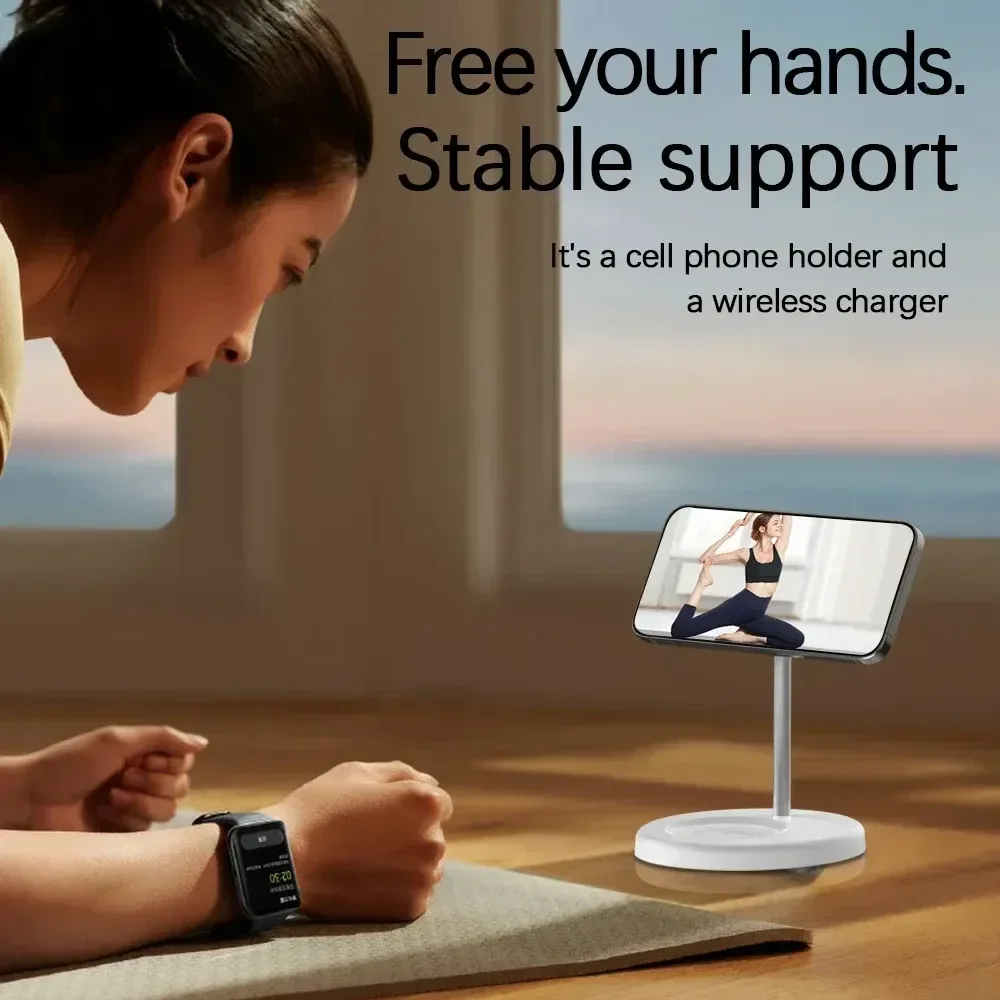
A stand gives it one fixed address: upright, at the edge, readable without being picked up. The three-in-one version takes the watch and the earbuds with it, so three cables and three wall plugs become one.

The last object, and the one to buy last: If the desk is still cluttered, this will not fix it. It is what you add once the other nine have already done their work.
A magnetic three-in-one charging stand holding a phone upright beside a watch and earbuds

3-in-1 Magnetic Wireless Charger Stand

Phone, watch and earbuds. One plug.

Check current price

What to move off the desk

  1. The second mug. There is always a second mug. It is not storage and it is not decoration.
  2. Paper you are not reading today. A tray is not a filing system, it is a delay.
  3. Chargers for devices that are not on the desk. They live where the device lives.
  4. Anything you kept because it was expensive. That is a reason to keep it, not a reason to look at it every day.